Back in Time
By Maxstar
Filters used in this work
4.0

About this work
- Author: Maxstar
- Submission date: January 2015
- Comments (0)
Tools used
Filter Forge 4.0, Adobe Photoshop CC, Canon EOS 1100D
Author's comments
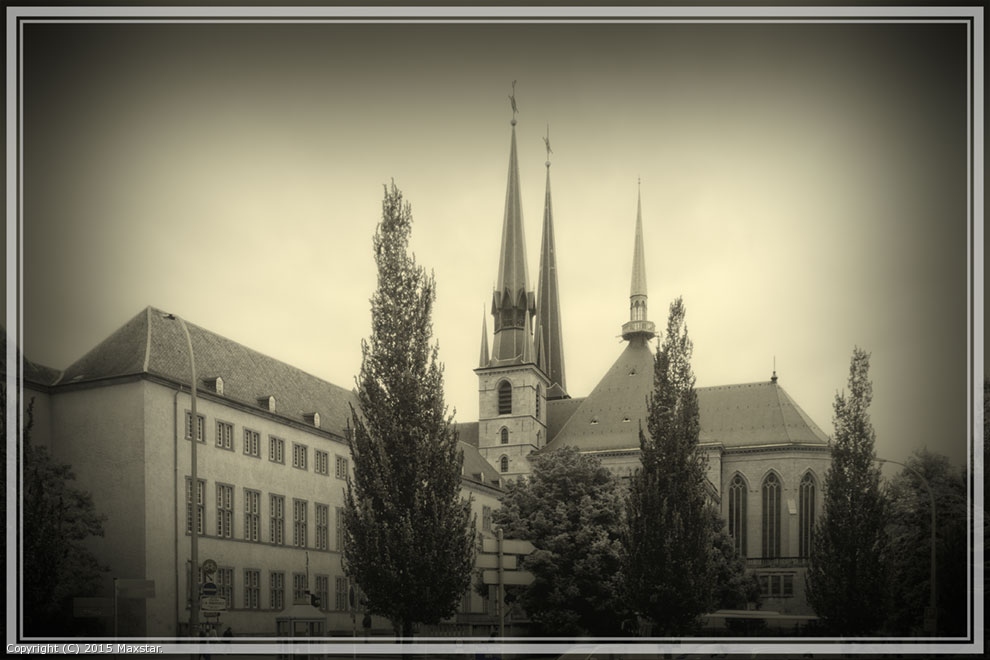
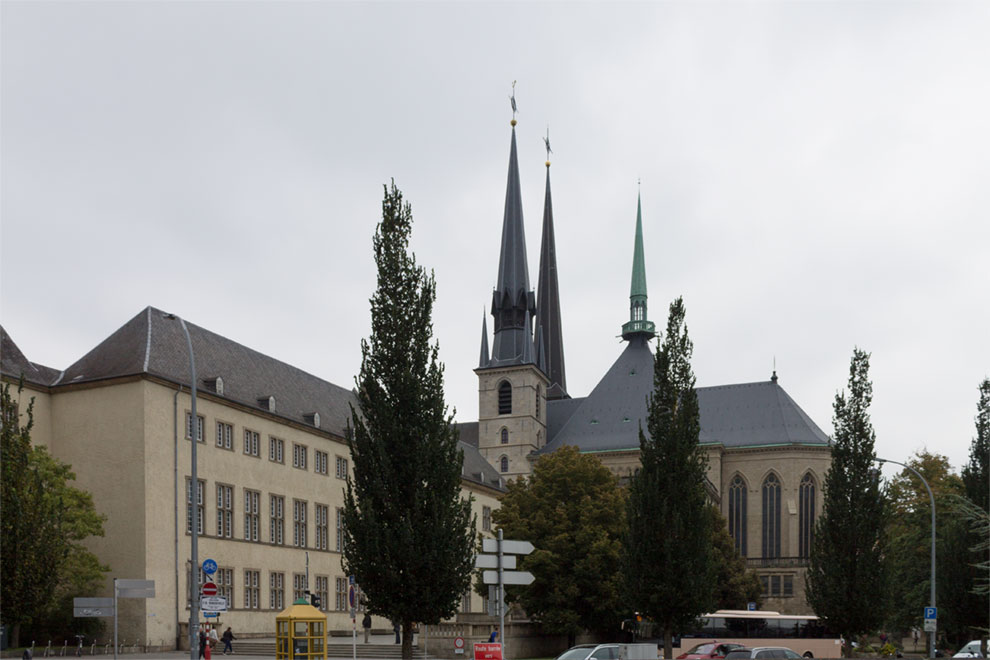
Wanted to give a nostalgic vintage feeling to the picture of this building - as if looking back in time. What would it look like?
Retro Color Multitone filter is used to give the scene the vintage look. Just a standard preset (#7).
Vignetted Edges filter did enhance the vintage feeling, but also helped to camouflage the cars and other signs of modern life (just enough to keep them in the shadows).
Classic frame filter gave it a perfect finishing touch.


