About This Filter
Author
Description
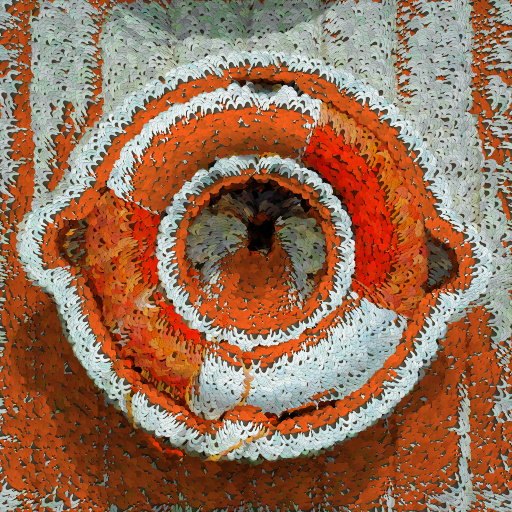
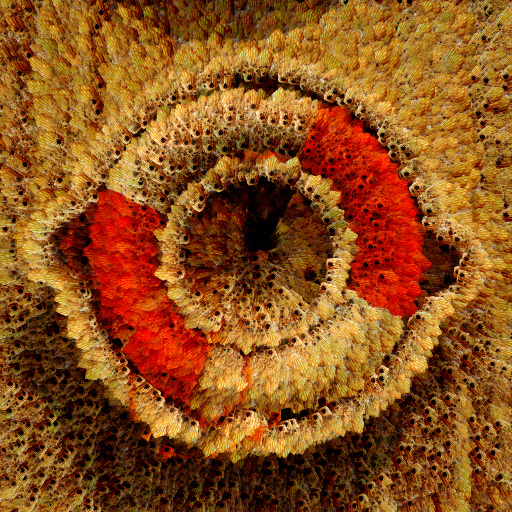
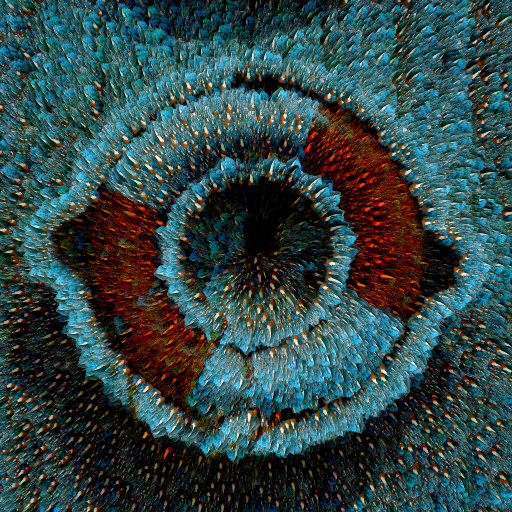
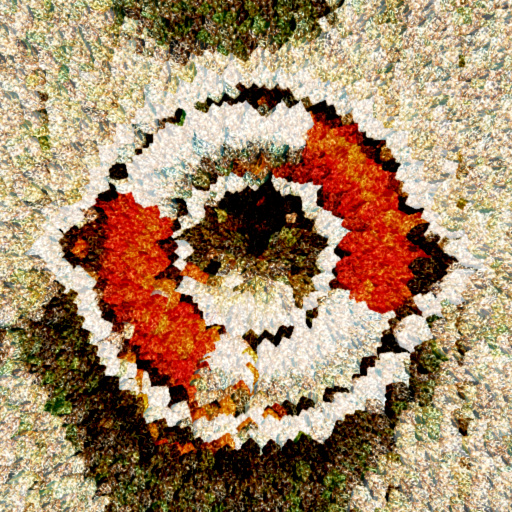
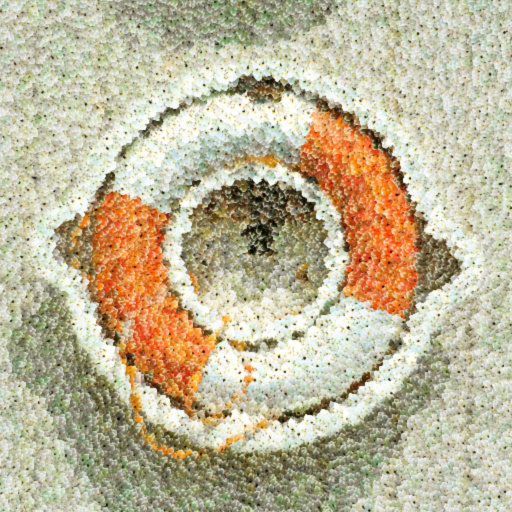
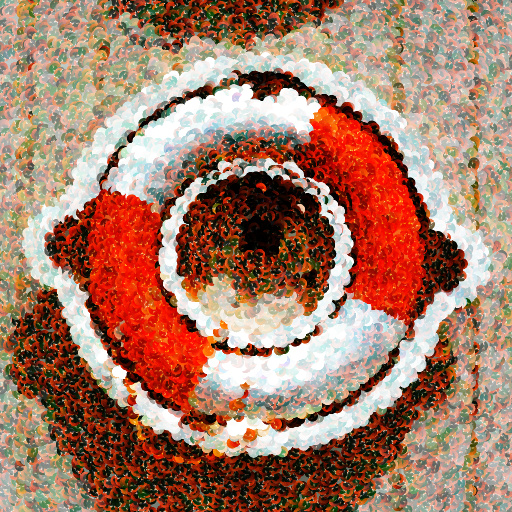
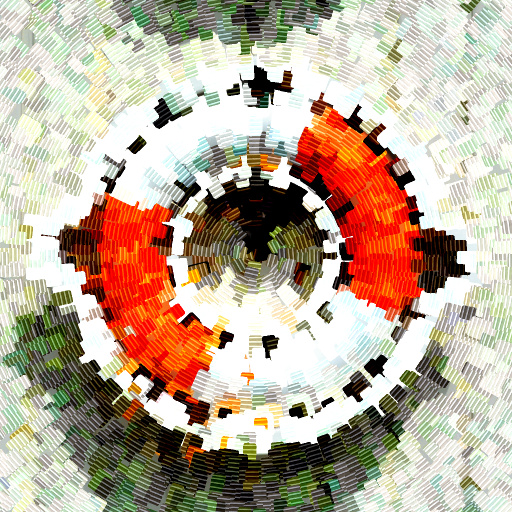
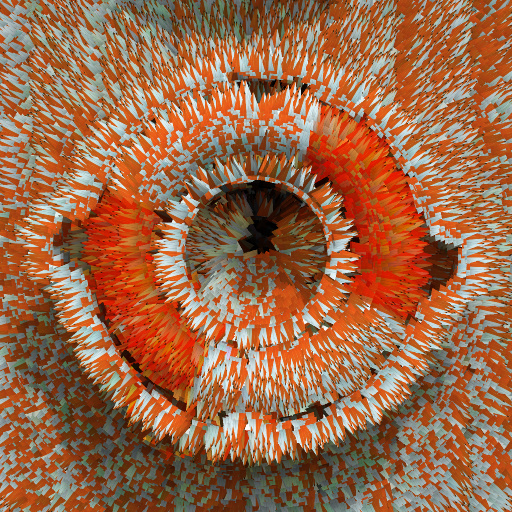
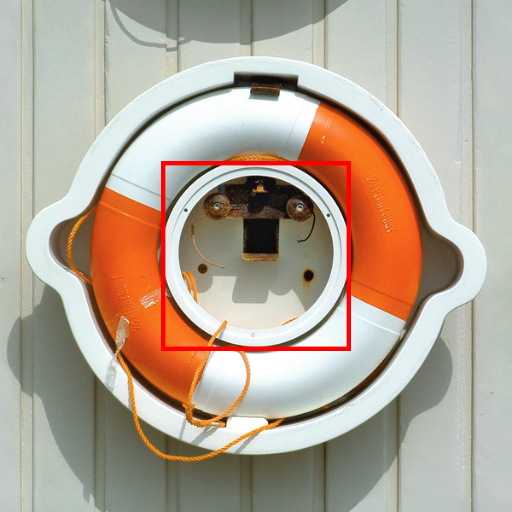
The filter allows to select parts of 5 images to be used to compose pictures.The controls "See Result/Selection" and "See Selection 12345" allow to switch between the result and the selections. Using these controls it is possible to choose the parts of the pictures to use for the effect.
Keywords
Selection,
Image,
Composition,
Polygon,
Particle
Filter Details
- Downloads: 873
- Requires Filter Forge 14.0
- Submitted: Mar 27, 2025
- Usage Rank: Low
- Comments (7)
Filter Controls
- See Result/Selection
- See Selection 12345
- Tint Amount
- Tint Mode
- Background
- Size Chaos
- Repeat
- Density
- Position Chaos
- Rotation
- Rotation Chaos
- Details
- Roughness
- Opacity Chaos
- Depth Map
- Selection 1 Y/N
- Image 1
- Image 1 Scale
- Image 1 Offset X
- Image 1 Offset Y
- Image 1 Rotation
- Selection 1 Radius
- Selection 1 Sides
- Selection 1 Corners
- Selection 1 Squash
- Selection 1 Bevel
- Selection 1 Rotation
- Selection 2 Y/N
- Image 2
- Image 2 Scale
- Image 2 Offset X
- Image 2 Offset Y
- Image 2 Rotation
- Selection 2 Radius
- Selection 2 Sides
- Selection 2 Corners
- Selection 2 Squash
- Selection 2 Bevel
- Selection 2 Rotation
- Selection 3 Y/N
- Image 3
- Image 3 Scale
- Image 3 Offset X
- Image 3 Offset Y
- Image 3 Rotation
- Selection 3 Radius
- Selection 3 Sides
- Selection 3 Corners
- Selection 3 Squash
- Selection 3 Bevel
- Selection 3 Rotation
- Selection 4 Y/N
- Image 4
- Image 4 Scale
- Image 4 Offset X
- Image 4 Offset Y
- Image 4 Rotation
- Selection 4 Radius
- Selection 4 Sides
- Selection 4 Corners
- Selection 4 Squash
- Selection 4 Bevel
- Selection 4 Rotation
- Selection 5 Y/N
- Image 5
- Image 5 Scale
- Image 5 Offset X
- Image 5 Offset Y
- Image 5 Rotation
- Selection 5 Radius
- Selection 5 Sides
- Selection 5 Corners
- Selection 5 Squash
- Selection 5 Bevel
- Selection 5 Rotation
- Median
- Hue
- Saturation
- Contrast
- Lightness
- Brightness