About This Filter
Author
Description
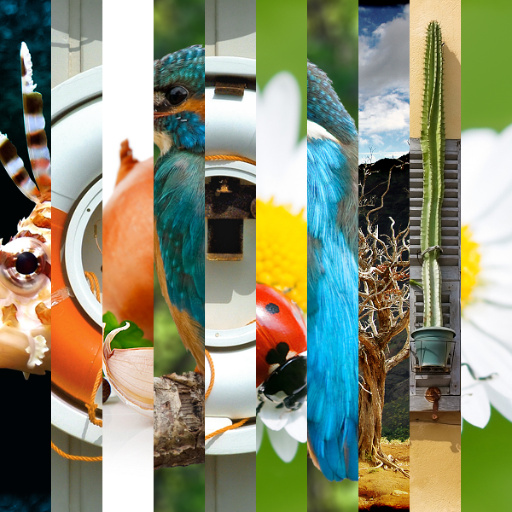
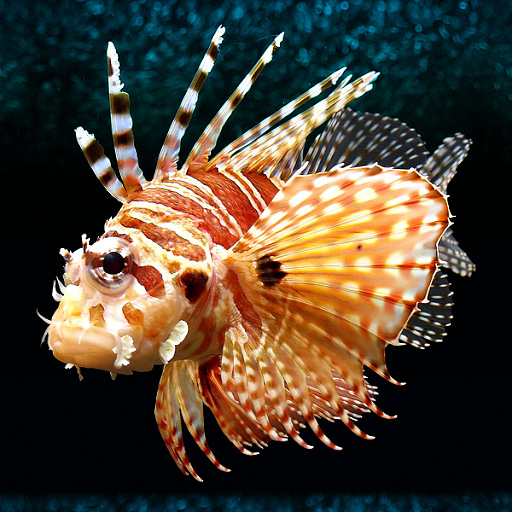
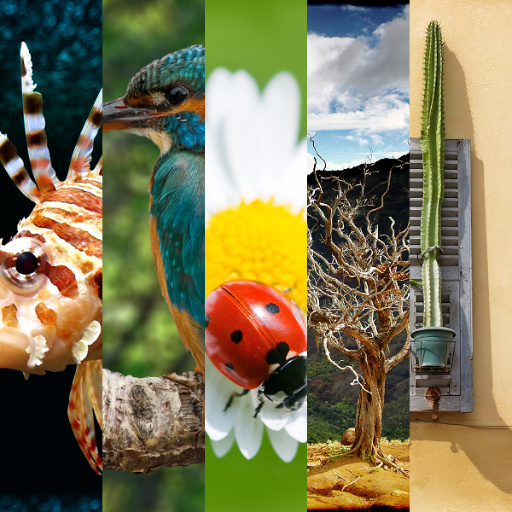
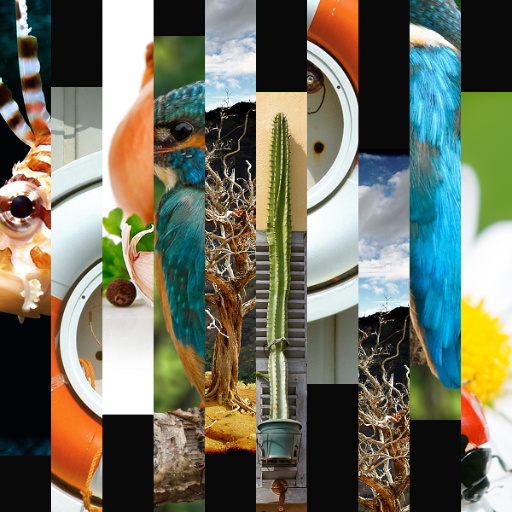
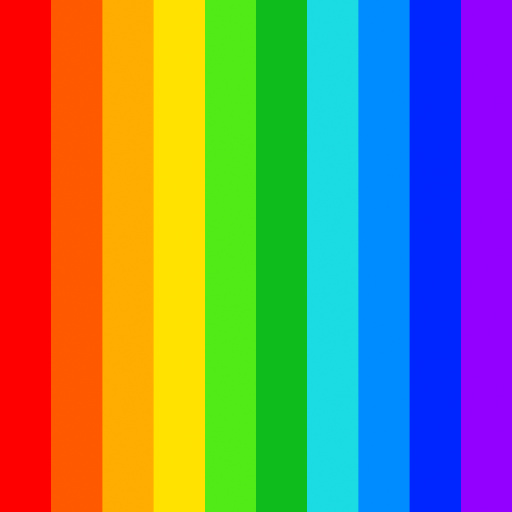
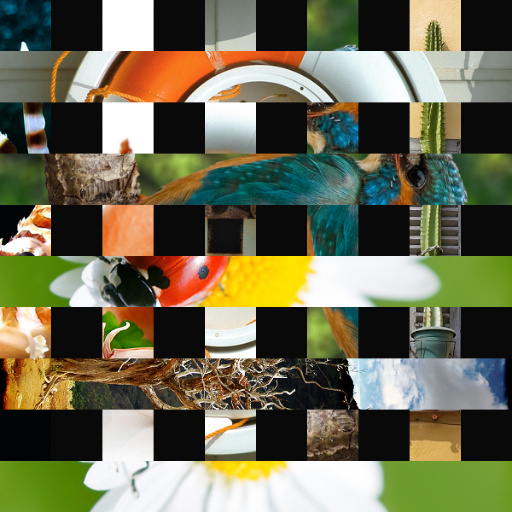
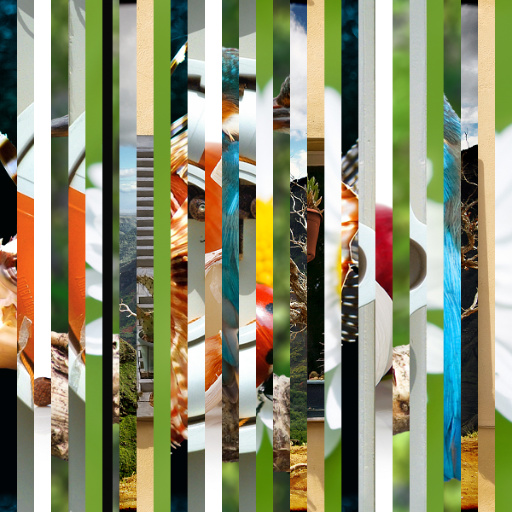
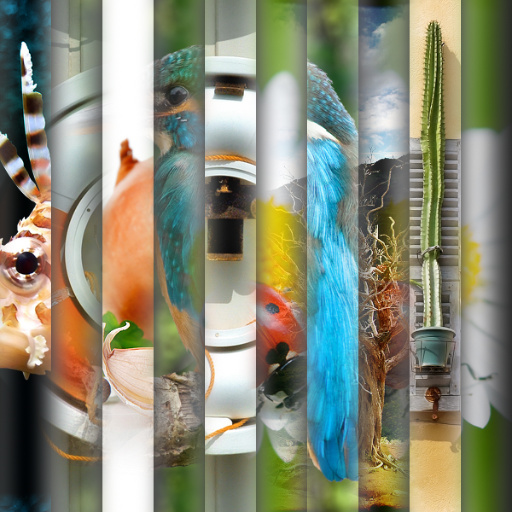
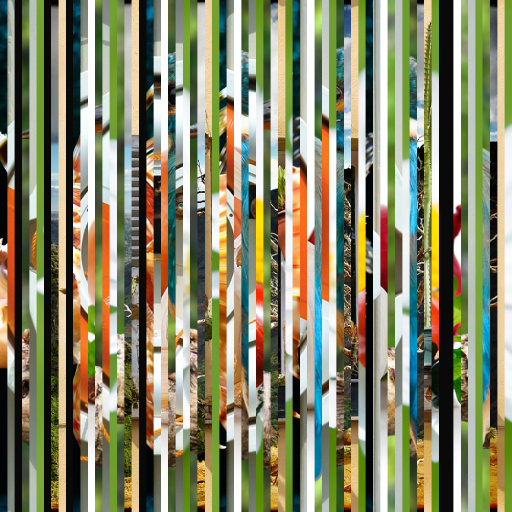
I have seen an advertisement with 10 images in thin stripes so I wanted to make the same effect in Filter Forge. –This is The basic vertical version, there is available also 6 other alternative versions in the Filter Library and forum, you can use, see comments page–IMPORTANT is prefered to only use Square output results –You can choose from 2 up to 10 different images, combine them using different settings mix them as you want. –The order and number of the color control settings are according to the first preset. –It does not need to be 10 different photos or images, you can also repeat some of the images if you want and have different parts of the same image. See examples in comments page–You can move the photos inside of each stripe so it will show the part of the image you want through the stripes that fits best on the design. Be aware that X is Horizontal and Y is vertical__You can mix with blend modes the result with a texture of your choice
Keywords
10 images,
10 photos,
photo,
stripes,
bands,
mix,
ten,
ten photos,
ten images,
thin,
color,
collage,
vertical,
basic
Filter Details
- Downloads: 2041
- Requires Filter Forge 3.0
- Submitted: Feb 10, 2014
- Usage Rank: Low
- Comments (20)
Filter Controls
- Non Square Output
- Background Color
- Alpha Background?
- -----------------
- --STRIPES CONTROLS
- -------------------
- Multiply Stripes
- Flip Stripes X
- Flip Stripes Y
- Duplicate Stripes
- Offset Stripes
- Mixing Stripes
- ----------------
- --------------
- Smooth Edge 1
- Smooth Edge 2
- Rotate Stripes 1
- Rotate Stripes 2
- -------------
- --SOURCE IMAGES--
- ------------
- Color 1
- 1V Offset X
- 1V Offset Y
- Color 2
- 2V Offset X
- 2V Offset Y
- Color 3
- 3V Offset X
- 3V Offset Y
- Color 4
- 4V Offset X
- 4V Offset Y
- Color 5
- 5V Offset X
- 5V Offset Y
- Color 6
- 6V Offset X
- 6V Offset Y
- Color 7
- 7V Offset X
- 7V Offset Y
- Color 8
- 8V Offset X
- 8V Offset Y
- Color 9
- 9V Offset X
- 9V Offset Y
- Color 10
- 10V Offset X
- 10V Offset Y
- ---------------
- -----TEXTURE OVERLAY
- -----------
- Activate Texture
- Texture Overlay
- Texture Blend Mode