About This Filter
Author
Description
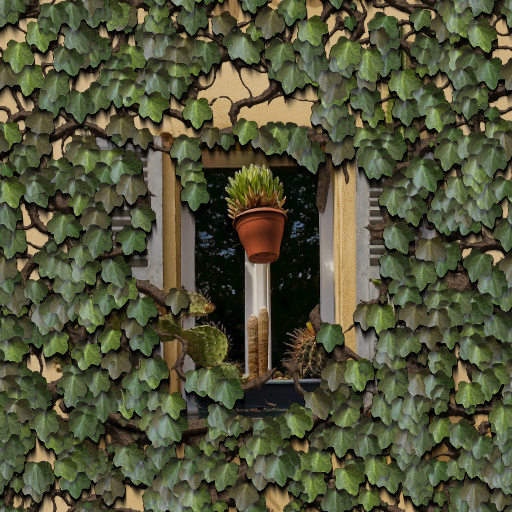
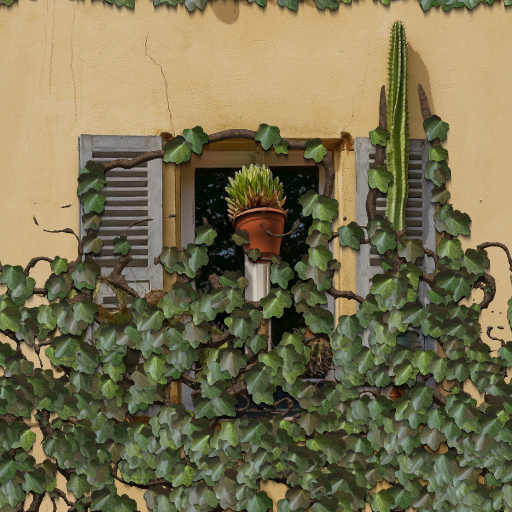
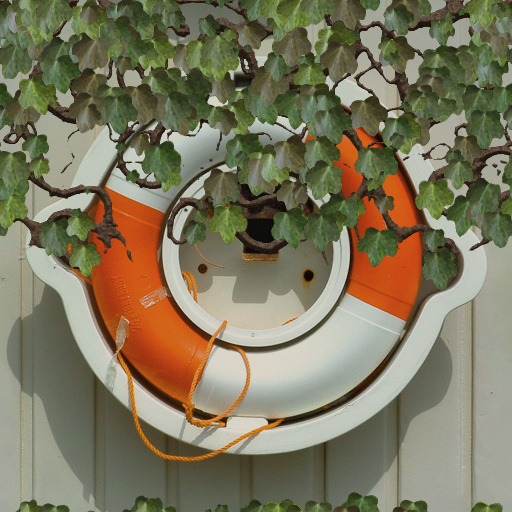
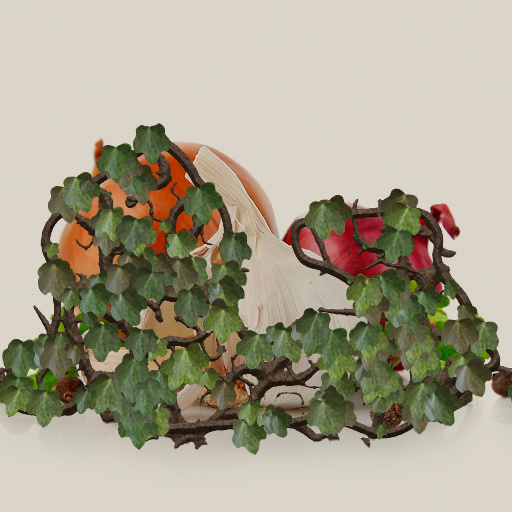
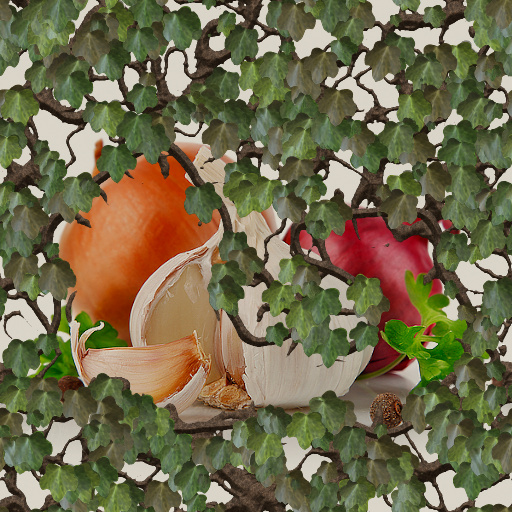
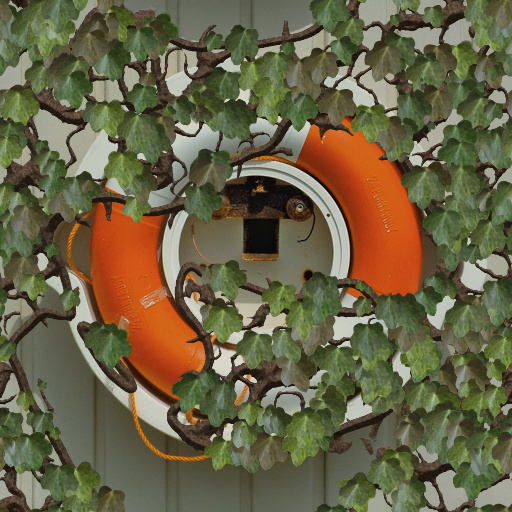
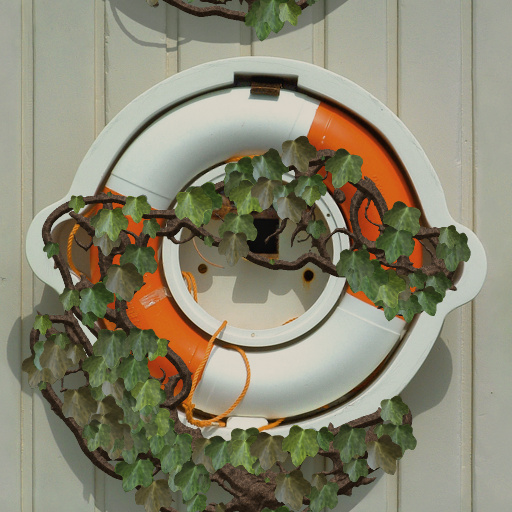
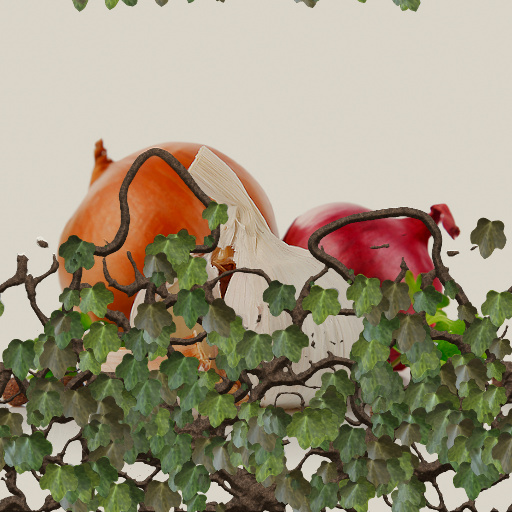
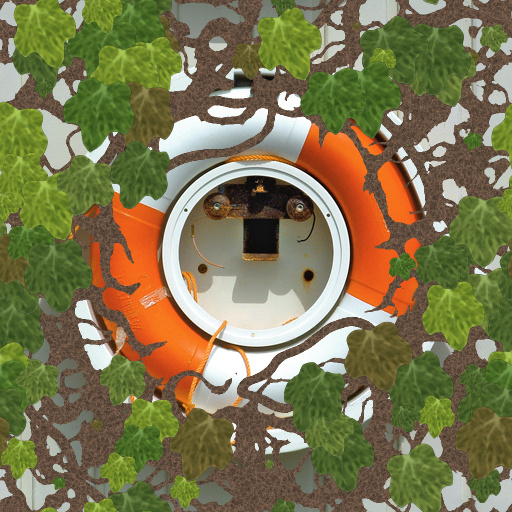
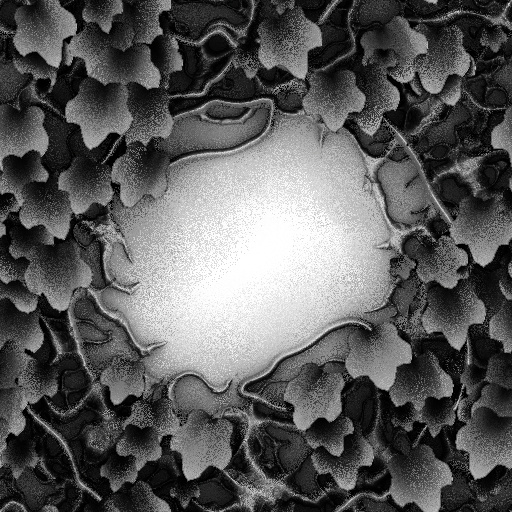
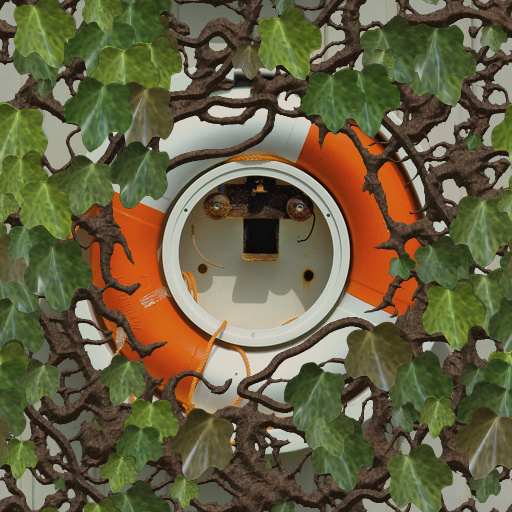
Grows Ivy over your Picture.Tip: turn off shadows while editing for faster previewingCurrently has 3 options for the vine distribution.Mode 1 creates a mask based on the image.Mask Mode provides different types dependig on the light and dark values in your image. Optionally you can load your own mask.Mode 2 uses a frame for the mask, check non square if your image isn“t square.Mode 3 uses a gradient. This only works with square images. Edge detection - if turned on, vines will grow along edges it finds in the imageOptionally you can load your own leaf.It needs to have a transparent background.Tip :If you want a transparent Background behind the vines open a new image with a transparent Fill color.Background Bump - Check this if you want the underlying picture to be bumped aswell. You can load a separate bump map for this (optional).Thanks to Threedee for his awsome smudge shadow technique :-)
Keywords
Ivy,
Vine,
Plants,
Wall,
leaf,
frame,
garden,
forest
Filter Details
- Downloads: 3342
- Requires Filter Forge 3.0
- Submitted: Sep 26, 2012
- Usage Rank: Low
- Comments (25)
Filter Controls
- Background Color
- Use custom mask
- Custom Mask
- Background Bump
- background bump
- Use custom leaves
- Custom Leaf 1
- Custom Leaf 2
- Custom Leaf 3
- custom leaf bump
- Hue
- Grow Mode
- Edge Detection
- Edge amplitude
- Edge Radius
- Ivy cutoff
- Corners
- Frame size
- Mask Mode
- Invert Mask
- Non Square
- Leaf Density
- Leaf Size
- Rotation Chaos
- Tendril Density
- Tendril Scale
- Stretch
- Shadows (slow)
- Shadow amount
- Shadow gamma
- Shadow length
- Shadow angle
- Reflection Blur